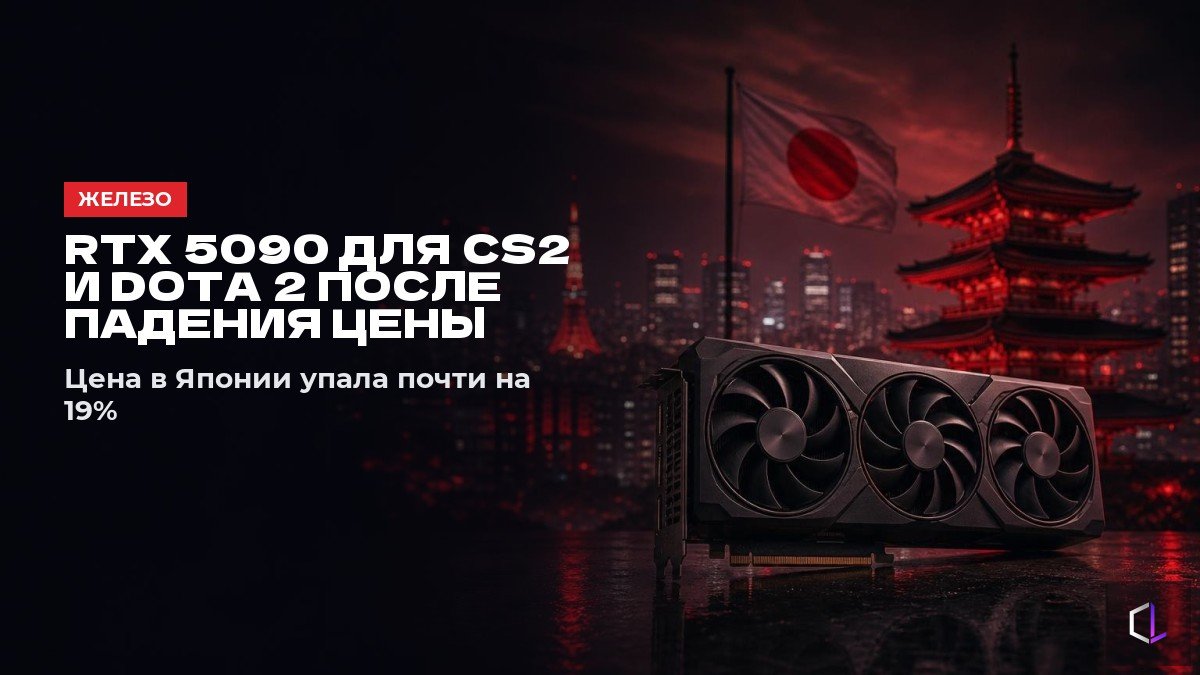
NVIDIA's top graphics cards have become noticeably cheaper in Japan. The RTX 5090 lost almost 19% of its price, and in Akihabara, Tokyo's electronics shopping district, the price fell by 22%. The RTX 5080 became about 17% cheaper. Discounts like these always raise one question: is it time to upgrade your build? For esports titles the answer is not obvious, because CS2 and Dota 2 place different demands on a computer than modern big-budget games with demanding graphics.
The Japanese figures are a guideline, not a price list: prices in Kazakhstan depend on local supply and the exchange rate. The logic of choosing, however, is the same everywhere, and it is easy to show through two approaches to a budget.
Approach one: a flagship at the center of the build
The idea behind this approach is that the most powerful graphics card should deliver the most frames everywhere. The RTX 5090 suits demanding tasks: gaming at 4K resolution, ray tracing—a technology for calculating lighting—creating images and video, and working with neural networks. In CS2 and Dota 2 at low and medium settings, that headroom may go unused. Lowering graphics settings reduces the load on the graphics card, but does not guarantee an increase in FPS, or frames per second: performance may be limited by the processor or memory.
Approach two: a balanced build
CS2 depends heavily on the processor, the performance of individual cores, and cache size—the processor's fast built-in memory. Dota 2 is also sensitive to processor and RAM performance, especially in large team fights. If that is where the limitation lies, it makes more sense to direct part of the budget toward those components rather than a flagship graphics card. A high-refresh-rate monitor and comfortable peripherals serve different purposes: the monitor updates the image more often, while the mouse and keyboard affect how comfortable the controls feel.
A 240 Hz monitor can refresh the image 240 times per second. A high, stable frame rate makes fuller use of its capabilities, but 240 FPS is not a mandatory threshold for buying one. Alongside average FPS, it is useful to assess 1% low—a frame-rate metric for the slowest 1% of frames in a test. It helps reveal dips that a high average can hide.
Similarities and differences
Both builds need good cooling and a power supply suited to their components' power consumption. Overheating can cause the processor or graphics card to reduce its clock speed, while insufficient power supply capacity can lead to instability. The difference is where each tenge goes. A flagship card buys graphics capabilities that may go unused at competitive settings. A balanced build distributes the budget between components according to their workloads. If performance is processor-limited, an older mid-range card paired with a strong processor can deliver a smoother picture than a top-tier card paired with a weak processor.
Checking before you buy
Buying expensive hardware is easier than finding out what is holding you back. To start, you can take three steps:
1. Turn on a monitoring overlay—a panel displaying performance figures over the game. Check graphics card load, individual processor core loads, and temperatures in a match or a repeatable test scene.
2. Compare the same scene at your usual resolution and a lower one, leaving other settings unchanged. If FPS barely increases and the graphics card is not fully loaded, that suggests a limitation outside its processing power. Check the FPS limiter and vertical sync—a setting that coordinates frame output with the monitor's refresh cycle. Low graphics card utilization alone does not prove that you need to replace the processor or memory.
3. Watch not only average FPS but also dips in complex scenes: when several grenades are used in CS2 and during large team fights in Dota 2. Compare results under the same conditions.
Gaming at 4K, complex video editing, graphics work, and neural network workloads can offer more reasons to buy a flagship than CS2 and Dota 2 alone. Streaming by itself does not make an RTX 5090 necessary: the choice depends on the workload and the capabilities of your existing hardware. Before buying, compare not just graphics card prices but also the cost of any required power supply, case, and cooling—those expenses are part of the upgrade budget too.