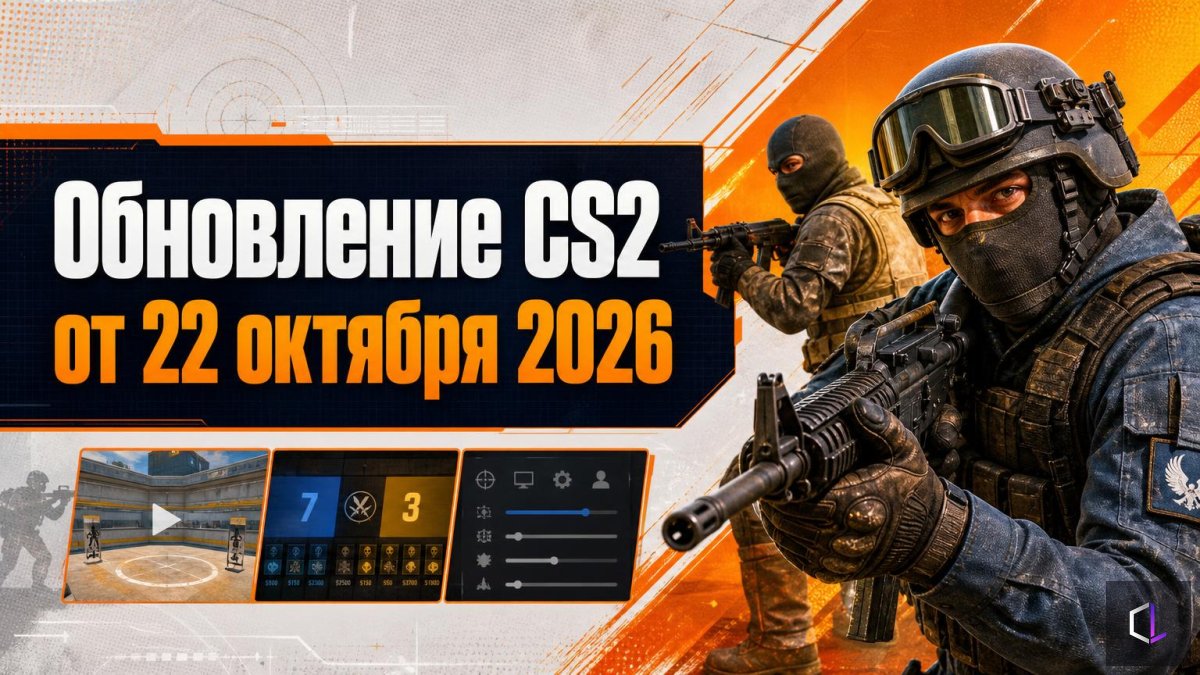
Valve has released a CS2 update, and at first glance it isn't for the average player: almost the entire list is map scripting, tools for those who build their own modes in the editor. But hidden in this technical wall of text are things that change how you can practice. Below is what exactly was added and what to do with it.
What actually changed
Of the official changelog, three blocks matter to a player.
Warmup and score control. Map scripts now have a GameRules object with methods for starting and ending warmup, reading and changing team scores, and force-ending a round. Put simply: a map's creator can now decide when warmup begins and set any score. Let's note right away: these are capabilities for map makers, not a button in the official matchmaking menu. But practice maps and servers built on them get a very powerful tool.
Console parameters from scripts. The new Console object lets you read and change console variable values (convars, that is, settings such as round length or starting money) directly from a script, without the sv_cheats restriction and instantly.
HUD and radar. New classes have been added for a custom interface layout (visibility of the team menu and chat), and radar elements now work in all modes, not just Rush. Hostages received their own set of events: pickup, carrying, rescue, death. One more small thing is preloading of map resources, so that a practice session doesn't start with hitches.
What a player should do differently
Below are practical steps. Some of them depend on how soon the authors of practice maps pick up the new capabilities: the patch by itself won't set anything up for you.
1. Stop practicing "empty" rounds. If the map lets you set the score, set not 0:0, but situations where decisions are costly: 12:12, 14:13 in your favor or against. Testing under pressure is one of the few skills an aim trainer doesn't give you.
2. Separate warmup from work. Before, warmup was time you simply endured. Now, on custom servers, it can be started and interrupted on a signal — convenient for building blocks: five minutes of shooting at bots, then straight into a round without a pause. The habit of entering the game without a ramp-up is more useful than it seems.
3. Check your HUD. Since new interface settings have appeared, go into the options and deliberately revisit your layout. The question isn't "does it look nice," but "what do I see out of the corner of my eye without taking my gaze off the crosshair": radar, money, chat. Remove the excess, keep what's needed.
4. Note the effect on the radar. If you play modes on custom maps, the radar can now show dots in any mode. For regular matches this changes nothing, but for maps with hostages and non-standard scenarios it does. Learn to read the radar as a source of information, not as decoration.
5. Don't expect miracles in matchmaking. Some readers will make a mistake: they'll decide that "Valve added score control." That's not so. Nothing has changed in official matches; the changes concern tools for map creators. First wait until the popular practice maps in the Steam workshop are updated, and only then rebuild your schedule around them.
Why this matters, even though it's atypical
Usually esports updates are measured by what became stronger or weaker: weapons, a map, the economy. Here the logic is different: Valve is expanding the "workbench" for those who build a practice environment around the game. For the average player, such updates work with a delay, but the effect accumulates: the more tools map makers have, the better practice spaces become.
To avoid getting lost in the flow, a simple habit is useful: open the official changelog and look for words that relate to your practice. Here those are Warmup, TeamScore, HUD, and Radar. The rest is for map developers, and can be safely skimmed past.
Practice maps with flexible scoring and warmup are a matter of the coming weeks. Until they appear, you can already check your HUD now and agree with your teammates on which score and which situations you want to work on first.