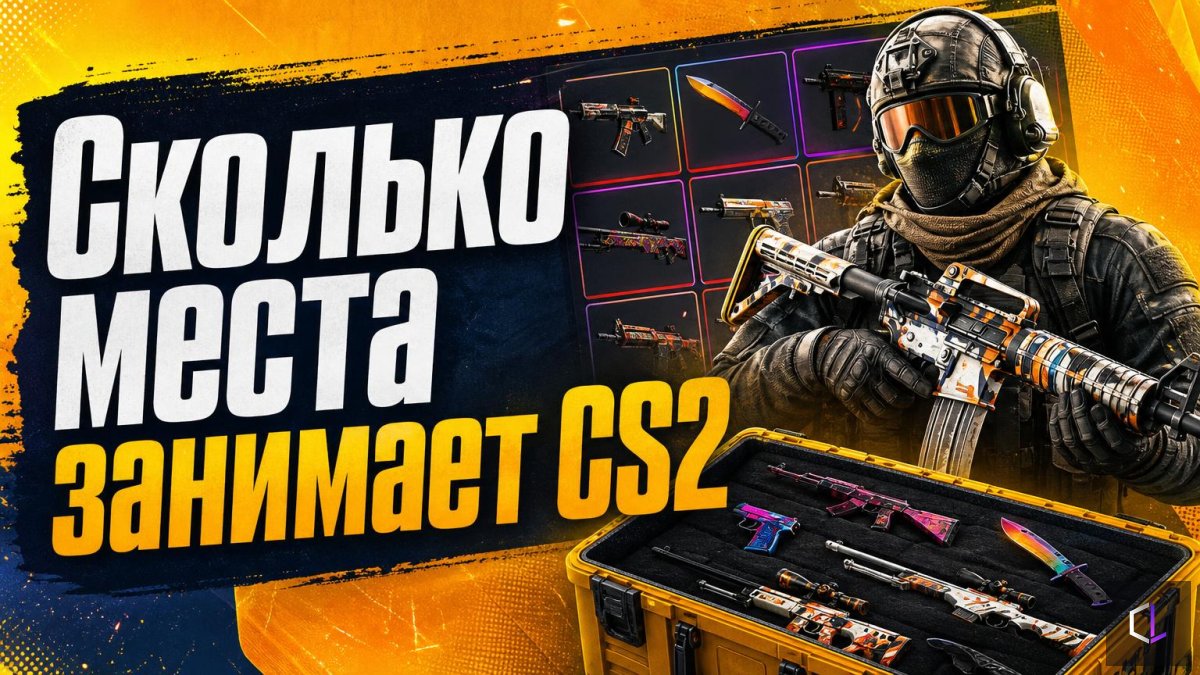
Counter-Strike 2 takes up about 65 GB on disk, and according to data currently circulating in the community, 26 GB of that volume is taken up by skins and cosmetic items. Almost forty percent of the installation is stuff that affects neither your aim, nor shooting mechanics, nor your knowledge of the maps.
For those with little free space on their system drive, this changes the calculations. If you're choosing between a 256 GB and a 512 GB SSD, someone playing CS2 and Dota 2 in parallel loses a noticeable chunk of the drive to just two games, before Windows, drivers, demos and screen recordings are even added.
Why this matters at all
Installing a game on an SSD shortens map loading and texture streaming times, whereas on a regular hard drive the first round after a map change often runs with stutters until the resources have loaded. That's why players try to keep CS2 on a fast drive, and such a drive is, as a rule, small in capacity. Every gigabyte on it is more valuable than on an archive HDD.
The second problem is updates. The game needs a reserve of free space: during a patch, Steam temporarily keeps both the old and new files. A disk packed to the brim updates slowly, and sometimes refuses to update at all. Finding that out on the eve of a tournament or a ranked evening is unpleasant.
What you can do
It's unlikely you'll be able to "cut out" the cosmetics from the client: they're part of the installation, and the game expects to find those files. So it makes more sense to manage the space around the game:
- Check where the game is located. You can spread your Steam library across several drives: CS2 on the fast one, rarely launched projects on the slow one.
- Clean up demos and recordings. Demo files and screen videos grow unnoticed and often take up more than you'd think.
- Keep a reserve. A good rule of thumb is to keep a noticeable portion of the drive free rather than filling it to zero.
- Plan your drive purchase with several games in mind. Two competitive titles plus work files quickly eat up capacity.
Skins aren't just about looks
Curiously, cosmetics in CS2 have long since become a separate ecosystem: they have their own market, their own models, textures and effects, and therefore their own weight. None of this makes a player stronger on the server. Nevertheless, it is precisely this data that takes up space that could have gone toward a second game mode, a demo archive, or simply headroom for updates.
For an esports player, the takeaway is practical: hardware in competitive play is judged not only by frame rate. Load times, stability during patches and order on the disk affect match readiness no less than sens in the settings.
If you haven't looked yet at how much of your space is used and by what, open the installation folder and compare the sizes of the subfolders. The result can be unexpected, and it's better to find out before the first patch than during it.