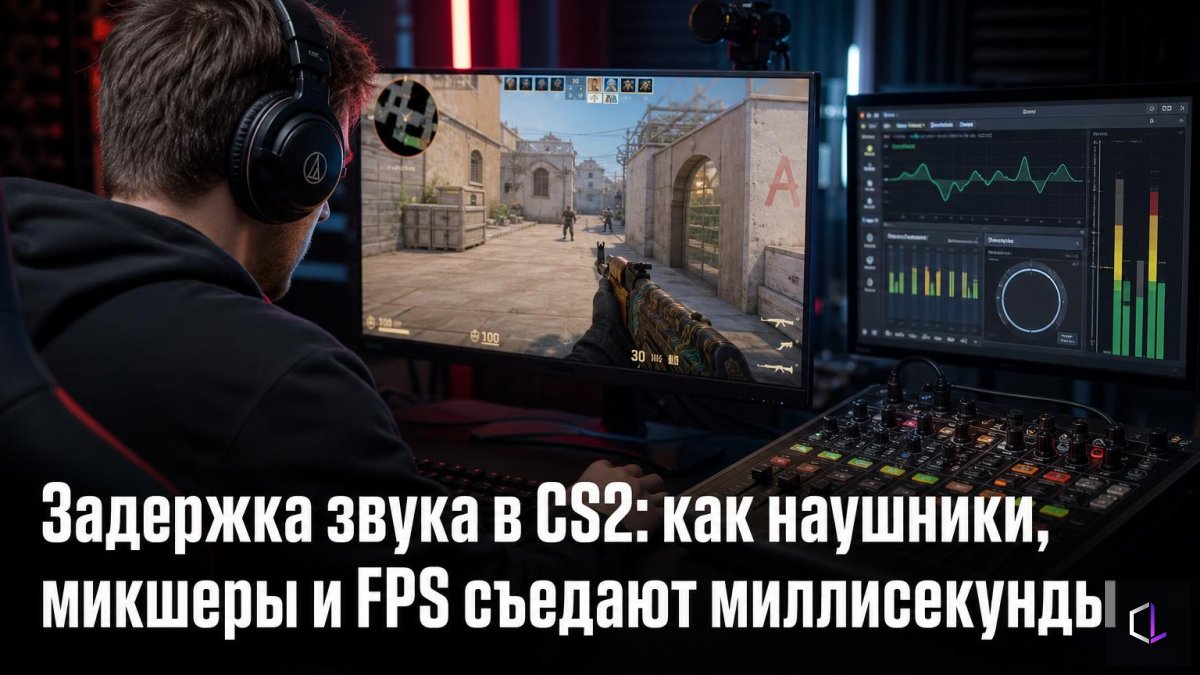
CS2Kitchen recently published a detailed breakdown of what makes up audio latency in Counter-Strike 2. The main takeaway is not obvious: ping is only one component. Between an event on the server and the sound in your ears sits a whole chain, and every link in it can add its own milliseconds.
The topic deserves attention because sound in CS2 is information. Footsteps around a corner, a reload, a defuse cancel, a switch to the knife: players read the opponent from these before they see him. If a sound arrives a few milliseconds later than it could have, the advantage feels like "they peeked first," when in reality you simply learned about the enemy a little later.
Where the latency comes from
First, the event has to happen in the game, and this is where frame rate matters. The higher the FPS, the faster the engine processes a frame and creates the audio event, so the sound reaches the audio stack earlier. FPS drops in dense moments of a round hit your hearing just as they hit the picture.
Then the sound passes through the system. The author of the breakdown compared different configurations and identified several patterns:
- programs like Equalizer APO (a system-wide equalizer) add about 3 ms on average;
- virtual mixers like VoiceMeeter, which route audio to separate tracks, add noticeably more;
- wired headphones delay sound the least;
- any sound enhancement at the Windows level is one more intermediary between the game and your ears.
The simple rule from the breakdown: the shorter the chain, the better. The ideal setup looks like this: game, motherboard, gaming headphones. No intermediate programs, no "enhancers."
How much that is in practice
Three milliseconds sounds trivial, and on its own that is true. A person cannot hear the difference of 3 ms. But delays add up: an equalizer, a mixer, a wireless connection, low FPS. Each of these items is harmless on its own, but together they produce a total shift that already falls into the zone where a corner duel is decided.
A caveat is in order: the breakdown shows relative values for different configurations, and your exact numbers will depend on your hardware and drivers. But the direction of the conclusions is clear, and checking it is easier than it seems.
What to remove first
The cheapest fixes require no purchases:
1. Disable third-party audio processing software if you don't need it for streaming or recording.
2. Turn off Windows sound enhancements (the Windows Enhancements section in the playback device properties).
3. Connect your headphones directly to the motherboard rather than through a chain of adapters and hubs.
4. Switch to a wired headset if you play on a wireless one and are ready to sacrifice convenience for minimal latency.
5. Keep an eye on FPS: stable frames help both the picture and the sound.
A separate case is players who record voice while playing. They genuinely need a mixer for channel separation. In that case it is more sensible to move everything extra to a second device or set up the recording so that the game audio takes the shortest route.
Sound as part of preparation
In amateur CS2, settings most often begin and end with mouse sensitivity and crosshair. The audio path is usually left "as is": a player sits for years with an equalizer he once installed for the bass and doesn't notice that it stands between him and the game. Yet this is the one part of the setup that can be simplified for free, simply by removing the excess.
A sensible order of actions is to first remove everything that adds latency, and only then, if you want, think about timbre and spaciousness. The bare chain "game → motherboard → wired headphones" sounds less impressive than a tuned virtual surround, but a footstep behind a wall is heard sooner, and the decision to peek is made on fresh information.