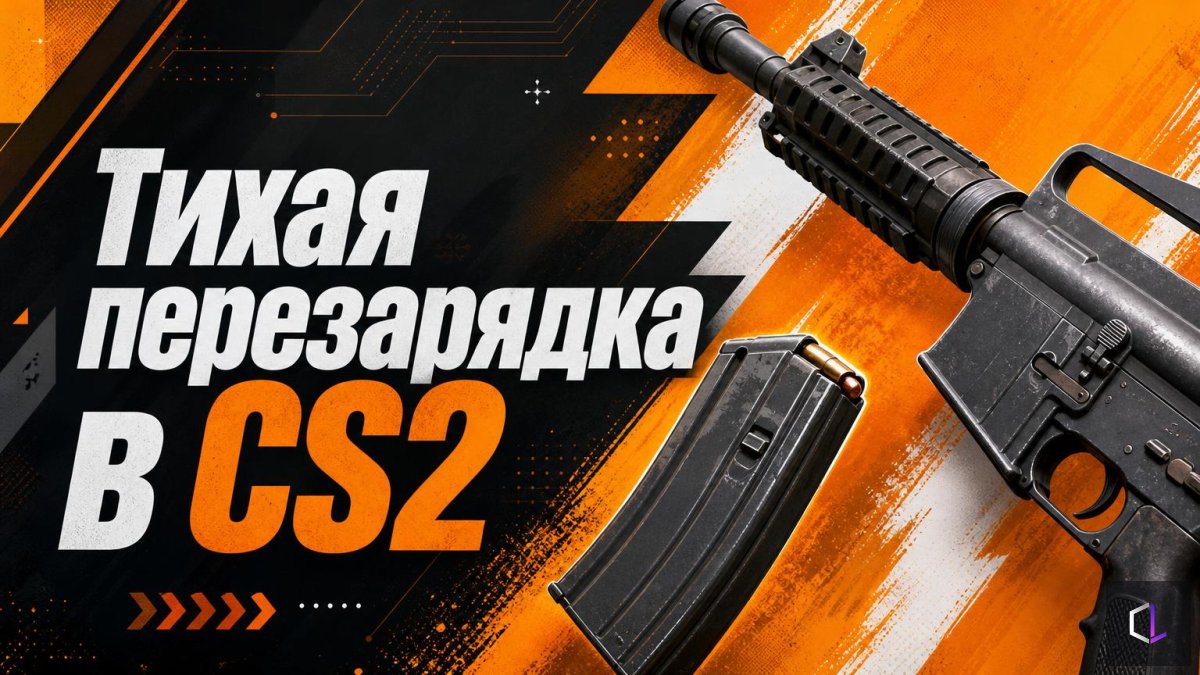
Valve has released the CS2 update of October 28, 2026, and the main thing in it is the silent reload setting. It sounds modest, but it's exactly this kind of change that alters players' everyday habits more than new cosmetic modes do.
What Exactly Changed in the Mode
Previously, silent reload worked on a hold principle: you pressed the button and held it while the process was underway. Now the settings let you choose between two options:
- Hold — you have to hold the button until the reload finishes.
- Toggle — it's enough to start the silent reload, after which you can release the button.
Toggle mode has an important detail: to cancel a silent reload and switch to a fast one, you need to press the reload button again. In other words, the second press works as an emergency exit for when silence is no longer needed and getting the weapon back in action matters more.
Why Reload Sound Is Information
In CS2, sound is one of the main sources of data about your opponent. From footsteps, weapon swaps, and reloads, a team understands where the enemy is and how vulnerable they are. A player reloading around a corner gives away that their magazine is empty and that they aren't ready for a duel in the next few seconds.
Silent reload exists so you don't hand over this information. That's why the second part of the update matters too: Valve fixed cases where the first reload sound was audible even if the player had chosen the silent option. Previously, such a sound could give away a position at exactly the moment the player was counting on staying unnoticed. Now the behavior should match the expectation: you chose silence — you get silence from the very start.
Hold or Toggle: What the Choice Depends On
There's no universal answer, but the logic of choosing is simple.
Hold suits you if you're used to controlling the process with your finger: as long as you hold the button, you know exactly that a silent reload is in progress, and you don't risk interrupting it by accident.
Toggle is more convenient if you don't want to tie up a finger with holding in a tense moment. Press, release, keep moving and listening. The downside is just as obvious: pressing again cancels the silent reload, so in nervous play it's easy to press the button twice out of habit and end up with the noise you wanted to avoid.
A practical way to choose is to test both modes on an empty server with headphones. Reload silently in each mode, then ask a teammate to listen to you from a neighboring position: is the first sound audible, does the silence disappear on a repeated press. After a dozen such tries it becomes clear which option doesn't get in the way of thinking about the map.
What Else Is in the Update
The remaining changes are technical, but useful:
- fixed a bug that could cause liquids to appear black on AMD graphics cards;
- fixed sound and interface bugs when rewinding while watching demos.
For those who review their own matches, the last fix is noticeable right away: rewinding no longer breaks the sound and interface, which means you can listen to the moment of a reload or a footstep several times in a row and check it against what was happening on screen.
The option to choose a mode is in itself a sign that Valve continues to polish the small mechanics on which the cleanliness of information in a round depends. Silent reload doesn't change weapon balance and doesn't add new maps, but it solves a very specific question: how much sound a player gives away to the opponent and how conveniently they can manage it.