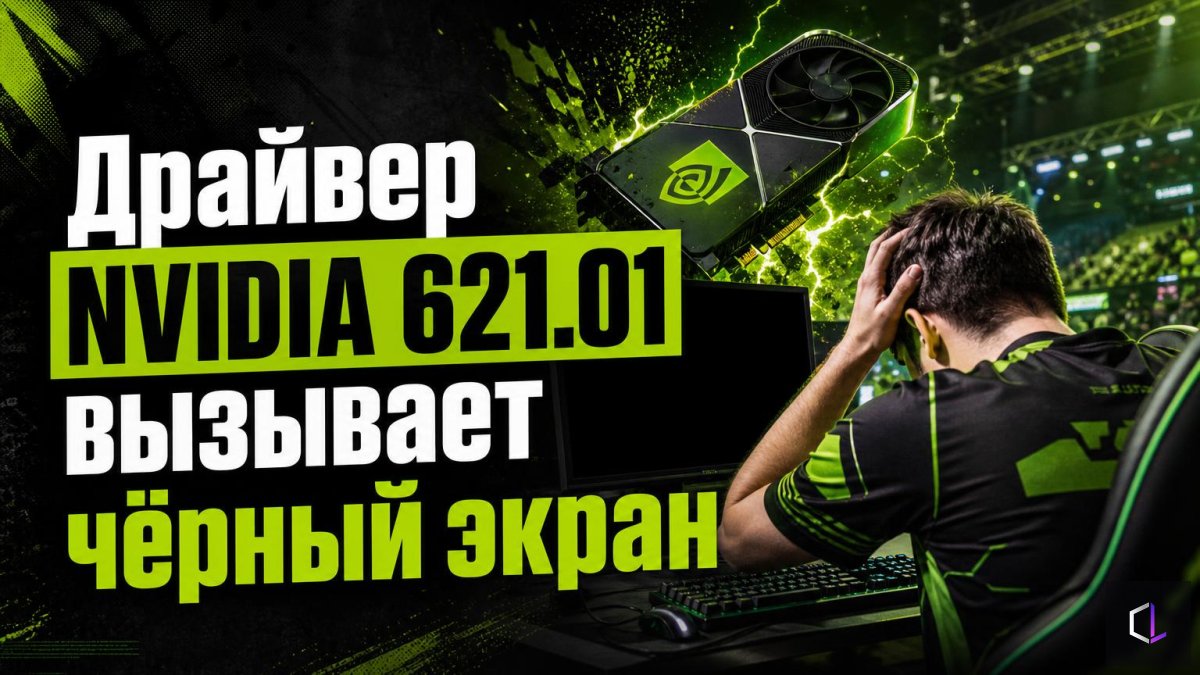
The latest NVIDIA Game Ready driver 621.01 has turned out to be a bad release: after installing it, users complain about a black screen and freezes, in particular during video playback. The company has acknowledged that the bug exists, but as of October 25, 2026, there is still no patch to fix it. This is a good reason to rethink the habit of "I updated, so it must be better" and to build a routine that will work both with this version and with any future one.
Why a player shouldn't chase the newest version
A graphics driver is the program through which a game communicates with the graphics card. Each new version brings optimizations for new games, but it can also bring bugs along with them. For someone who just plays in the evening with friends, a crash is an annoying nuisance. For someone preparing for a tournament or playing ranked matches, a freeze in the middle of a round means a lost map and frayed nerves.
A rule followed by many experienced players: if your current driver works stably, and the notes for the new one don't include a fix for anything you have run into, there is no reason to rush the installation. A new version won't add anything to a game that already runs smoothly.
What to do differently: a step-by-step routine
1. Don't install a driver on the day it is released. Wait a few days and see whether there are widespread complaints. The case of version 621.01 shows why this matters: the problem surfaced among users almost immediately.
2. Don't update right before a gaming event. A tournament, a qualifier, an important team match — on such days it is better not to touch a working system. Do your updates on a quiet day, when you have time to check the result.
3. Keep the installer of the working version. If you have a stably working driver, keep its file. Then a rollback will take minutes, not an evening of searching the manufacturer's website.
4. Create a Windows restore point before installing. This is a snapshot of the system state that you can return to if something goes wrong. It is done in the system protection settings in a couple of minutes.
5. Choose a clean installation. The NVIDIA installer has a clean installation option, which removes old settings and leftovers of the previous driver. This lowers the chance of conflicts between versions.
6. Check the system after installing. Launch the game, go into a practice map or a mode with bots, watch a video in your browser — this time it was precisely video playback that caused failures. If nothing freezes within half an hour, the version can be considered acceptable.
7. If you have already installed 621.01 and problems have appeared, roll back. You don't have to wait for a fix from the manufacturer: return to the previous stable version through Device Manager or with the installer you saved.
How to tell a driver problem from a hardware problem
A black screen and freezes are symptoms that can have different causes: overheating, the power supply, a poor cable connection. To avoid guessing, a simple logic helps. If the problems began right after a driver update, and everything worked before that, the new version is most likely to blame. If nothing changes after the rollback, look for the cause elsewhere: check the graphics card temperatures, the condition of cables and connectors, and the power supply's reserve capacity.
It is also worth remembering separately: the manufacturer has confirmed a bug in this specific version, but for any individual user the cause of a failure could be something else. Don't blame the driver for every freeze without checking everything else.
Why this isn't about just one version
In a week or two a fix will be released, and the news about 621.01 will be forgotten. But the habit of cautious updating will remain useful: drivers, firmware, Windows updates, and the game itself regularly bring surprises. A player who has a working rollback and an understanding of exactly what they changed and when loses ten minutes to such a surprise. A player without these loses a whole evening and, possibly, ranked points.
Good tech hygiene for an esports player is no different from good hygiene in other areas: change one thing at a time, write down what was changed, and don't touch what is stable on the eve of something important. Then any failure turns from a catastrophe into an ordinary task with a clear solution.