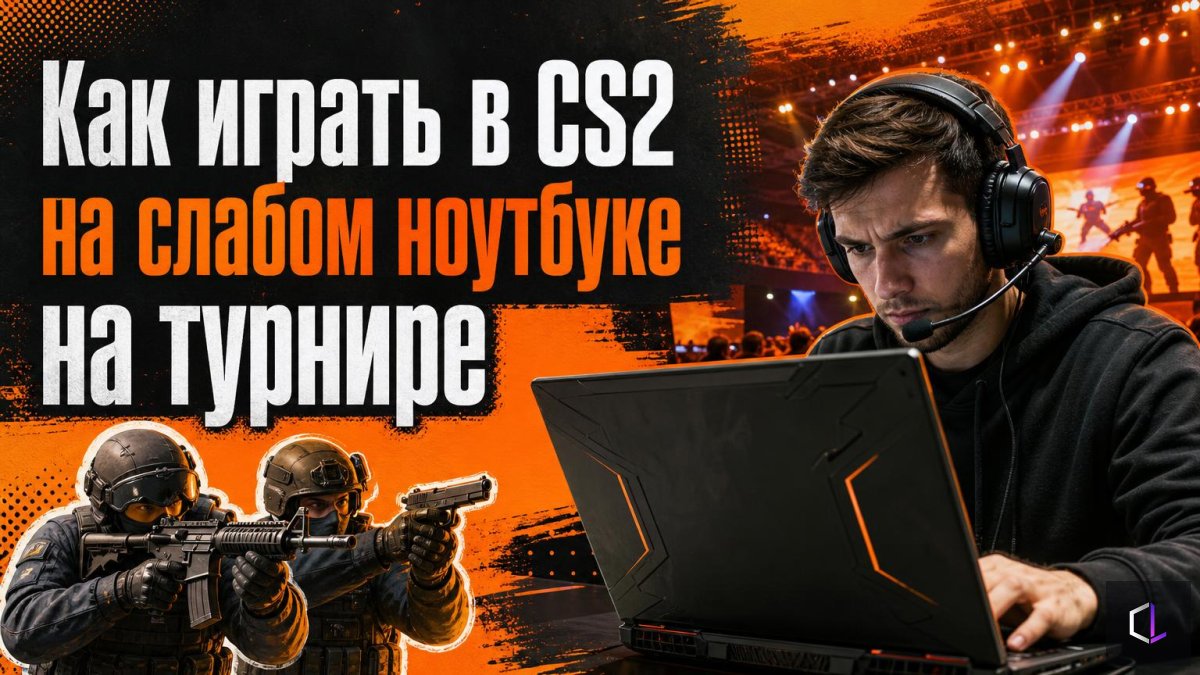
Student teams in Malaysia have to play CS2 tournaments on laptops that can't run the game properly. The community sympathized, but there is a practical question behind this story. What do you do if the match is a day away, the hardware is weak, and there is nothing to replace it with? The answer is not "endure it," but to organize your preparation so that the losses from the hardware are as small as possible.
Why a Weak Laptop Loses Not on Average FPS
FPS is the number of frames per second. A laptop that shows 120 in the menu but drops to 35 in a round with smokes and a firefight breaks your timings. The picture "freezes," the crosshair lags, and you lose a duel out of nowhere. So the target is not the highest number, but a smooth curve without dips.
There is also a second enemy: throttling. This is the situation when the processor or graphics chip lowers its own frequency because of overheating or insufficient power. Because of it, the third map of a series runs noticeably worse than the first, even though the settings are the same.
Six Steps Before Joining the Server
1. Power. Play only plugged in and enable the High Performance mode in Windows. On battery, many laptops cut their frequencies almost in half.
2. Clean background. Close the browser, messengers, overlays, and screen recording programs. Each of them eats up memory and processor time.
3. Video settings. Set shadow quality, model and texture detail, shaders, and particles to the minimum. Turn Ambient Occlusion and V-Sync off. Boost Player Contrast, on the other hand, should be turned on: it highlights player models, and on a simplified picture the enemy is easier to see. If that isn't enough, lower the resolution to 1280×960 or 1024×768. FidelityFX Super Resolution mode gives a frame boost but slightly blurs the picture, so check whether it gets in the way of reading angles.
4. Measurement. Enable the counter with the command `cl_showfps 1` and play a couple of matches against bots or run a benchmark map from the Steam workshop. Look at the minimum values, not the average: they are what decide duels.
5. Frame limit. If the laptop steadily holds 90–100 FPS with occasional dips, cap it: `fps_max 90`. A steady 90 is better than jumps between 50 and 140. The exact number is chosen to suit your machine.
6. Cooling. Put the laptop on a stand or raise the back of it so that air flows under the body. Blow the dust out of the vents beforehand. Don't play with the laptop on your lap: the ventilation openings get blocked.
Peripherals and Config as Insurance
A touchpad won't do for a tournament; you need your own mouse. Along with it, it's worth bringing a mousepad so you don't have to get used to an unfamiliar surface. Carry over your sensitivity (the product of DPI and in-game sens, the so-called eDPI) unchanged, and turn off mouse acceleration in Windows. If the machines are provided by the organizer, save your config to a file and bring it on a flash drive. Then setup will take ten minutes instead of an hour.
How to Adapt Your Play to a Weak Picture
When frames are unstable, the advantage lies where the picture is smoother. These are static positions, short distances, and angles prepared in advance. Long-range duels on the move are the riskiest bet: a frame can drop exactly at the moment of the shot. Rely more on grenades and information than on pure reaction. A flash or smoke thrown from a ready-made lineup doesn't depend on how many frames your screen shows.
A separate habit for the future: a team going to a tournament should find out from the organizers in advance what hardware it will have to play on. If the machines are shared, at least set up your settings beforehand and check for driver updates. Then the first round of the series won't turn into a test of the computer, and all your attention will go to the game itself.